

CapCut Templates vs Alight Motion Presets: Which Is Faster for Reels?
If you post Instagram Reels regularly, speed can make a big difference. You may have a good idea, several clips ready, and the right audio, but spending too much time putting everything together can slow down your posting routine.
That is why many creators compare CapCut templates with Alight Motion presets. Both can reduce the amount of editing you need to do, but they work in different ways.
The real question is not which one is better. It is which option is faster for the type of Reel you are creating.
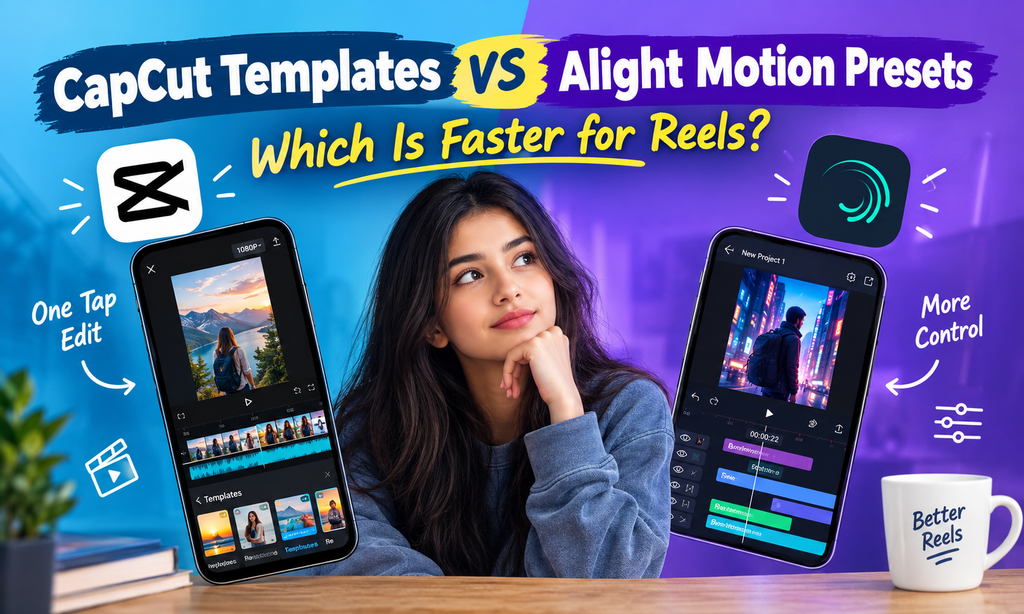
What Are CapCut Templates?
CapCut templates are pre-built video editing structures that let you create a Reel without building the entire timeline yourself. Instead of manually arranging every transition, effect, and timing point, you start with an existing structure and add your own clips.
For creators who want quick results, this can save a lot of repetitive work.
A typical workflow is simple. You choose a template, add your photos or video clips, make any available adjustments, and prepare the finished Reel.
Why CapCut Templates Feel So Fast
The biggest advantage is that much of the structure is already prepared. The creator mainly needs to provide suitable media and make basic adjustments.
Many templates are also designed around popular editing styles and music rhythms. This can make them useful when you want a Reel with quick cuts, beat-based transitions, or a style that already fits current social media trends.
For a beginner, the learning curve can also be relatively small because there is less need to understand every part of the editing timeline.
The Limits of Templates
Speed usually comes from using a predefined structure. That same structure can become a limitation when you want more control.
A template may have fixed or semi-fixed timing, specific transition points, or a visual arrangement that does not perfectly match your footage.
If you want to change the rhythm, move several elements, create a completely different animation, or develop a very specific visual identity, you may need more manual editing.
So CapCut templates are particularly useful when your priority is getting a polished result quickly.
What Are Alight Motion Presets?
Alight Motion presets are saved effects, animations, and settings that can be reused across different projects and layers. Instead of creating the same effect from scratch every time, you can apply a prepared setup and then adjust it for your particular video.
This approach is different from simply replacing clips inside a finished template.
The creator generally has more control over individual elements. You can work with layers, animations, effects, text, and other parts of a project according to the editing style you are building.
For creators interested in learning more about reusable editing setups, Alight Motion presets can be a useful starting point.
How XML and Shared Project Files Fit In
Alight Motion workflows can also involve XML files and shared project files. These can contain project information, settings, animations, and other elements that help recreate an editing setup.
The important difference is that a preset or project-based workflow gives you a foundation while still allowing you to work with the individual layers.
That makes the process more flexible, but it can also require more familiarity with the editing app.
The Main Trade-Off
Alight Motion can take longer when you are still learning how its tools and layers work. You may need to understand where effects are applied, how animations interact with layers, and which parts of a project should be changed.
Once you have a repeatable workflow, however, the same process can become much quicker.
This is where presets become especially useful for creators who repeatedly produce similar types of Reels.
A Simple Speed Comparison
Imagine that you are creating the same 15-second Reel using both methods.
The Reel contains several short clips, animated text, transitions, and music-based timing. The goal is simply to finish the edit efficiently rather than judge the final visual quality.
The exact time will vary depending on your experience, the project, and the number of changes you make, so the figures below should be treated only as general estimates.
| Factor | CapCut Templates | Alight Motion Presets |
| Initial setup | Generally very quick | Usually requires more setup |
| Learning curve | Lower for basic template use | Higher at first |
| Customization | Usually more limited | Generally more flexible |
| Originality | Depends heavily on template | Easier to develop a personal style |
| Repeated projects | Fast when suitable templates exist | Can become very efficient |
| Best for | Quick one-off Reels | Repeated editing styles |
For a CapCut template, the process might involve selecting a suitable template, replacing the clips, checking the timing, adjusting text if available, and preparing the Reel.
With an Alight Motion preset, you may need to set up the project, bring in your clips, apply the saved effects or animations, adjust layer timing, edit text, and make other changes.
At first glance, the template route has fewer steps.
But that does not always mean it will remain faster over dozens of Reels.
When CapCut Templates Are Faster
CapCut templates can be especially efficient when you want to make a quick Reel around a current editing trend.
For example, imagine you have five photos and want to turn them into a short beat-based video. If you find a suitable template with the right structure, much of the timing work is already handled.
Trending Audio and Beat Edits
Templates are useful when the editing style depends heavily on music timing. Instead of manually deciding where every cut should happen, you can work from an existing structure.
This can be helpful for creators who publish frequently and do not want to spend a lot of time building every Reel from scratch.
Beginner-Friendly Editing
If you are still learning video editing, templates can also make the first few projects less complicated.
You can concentrate on choosing good clips, arranging your content, and understanding how short-form videos work before moving into more detailed editing techniques.
One-Off Posts
Templates can also make sense when you are creating something you do not expect to repeat.
If you only need one Reel with a particular visual style, learning a complete custom workflow may take longer than simply using a suitable template.
When Alight Motion Presets Are Faster
Alight Motion presets become more interesting when you are creating a series of Reels that share the same visual identity.
Imagine that you regularly create motivational videos with the same text animation, zoom effect, transition style, and visual movement.
Building those elements repeatedly would take unnecessary time. A reusable preset-based workflow can reduce that repetition.
Repeating Your Own Style
A major benefit is consistency.
Instead of searching for a different template every time, you can develop a collection of effects and animations that match your own editing style.
Once your workflow is familiar, you may be able to create new Reels by changing the content while keeping the visual structure.
Consistent Branding
This can also be useful for creators and small brands that want their videos to look connected.
For example, you might use the same text animation across a series, a similar transition style between clips, and a familiar movement effect.
The editing process becomes less about finding something new and more about replacing content within a system you already understand.
Where to Find Good Templates
Not every template is equally useful. A visually impressive template can still be inconvenient if it has complicated timing or does not work well with the type of content you normally create.
When choosing a template, look for a clean layout and a structure that matches your footage.
It is also useful to consider whether clips can be replaced easily. If the template requires footage with very specific framing or lengths, you may spend extra time trying to make your content fit.
Current trends can also matter. A template style that works well for today’s short-form audience may not have the same appeal later, so avoid building your entire content strategy around one temporary style.
Creators looking for additional editing resources can also explore template by cbpng for more template-related ideas and resources.
The Hybrid Workflow
You do not necessarily have to choose one method for every Reel.
A hybrid workflow can combine the speed of templates with the customization available through more detailed editing.
For example, you might begin with a template structure when you need to create a Reel quickly. After that, you can refine parts of the video in Alight Motion, such as text movement, transitions, or color adjustments.
This approach can be useful when the basic structure is already close to what you want but still needs a personal touch.
Why a Hybrid Approach Can Work
The main advantage is flexibility.
You are not forced to build everything manually, but you also do not have to accept every part of a predefined structure.
For creators who publish frequently, this can create a practical balance between speed and customization. Some posts may only need a template, while more important videos can receive additional editing.
FAQ
Are CapCut templates faster for beginners?
Generally, yes. CapCut templates can be easier to start with because much of the video structure is already prepared. Beginners can focus mainly on adding their own content and making basic adjustments.
Are Alight Motion presets difficult to learn?
They can take more time to understand at first because you are working with layers, effects, animations, and project settings. However, the workflow can become easier once you become familiar with the editing process.
Which is faster for making many similar Reels?
For repeated content with the same visual style, a preset-based workflow can become very efficient. Instead of finding a new template for every post, you can reuse your own editing setup and change the content.
Can I use both CapCut templates and Alight Motion?
Yes. A creator can use a template as a starting structure and then make additional adjustments in Alight Motion. The best workflow depends on how much customization each Reel needs.
Conclusion
CapCut templates and Alight Motion presets solve the speed problem in different ways.
If you need a quick Reel for a trend, a one-off post, or a beat-based edit, CapCut templates can be the simpler route. They reduce the amount of work needed to build a timeline and can be especially convenient when you are still learning video editing.
Alight Motion presets become more useful when you repeatedly create the same type of content. Once you have a collection of reusable effects and a familiar workflow, you can spend less time rebuilding the same visual elements for every Reel.
So the faster option depends on the job.
For quick, template-driven content, CapCut can save time. For repeated content where you want your own style and more control, Alight Motion can become the more efficient workflow after the initial learning stage.
If you want more CapCut and VN template resources, cbpng com is another place to explore.